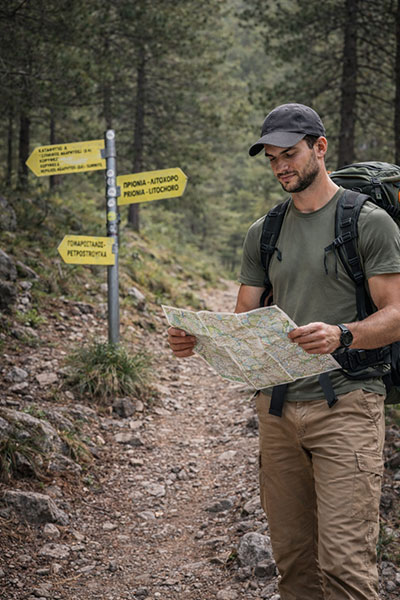
Olympus Guides
While there are only a limited number of freely distributable guidebooks for Mount Olympus, we are pleased to share a selection of official maps and digital resources that can support your journey on the mountain.
Below, you will find access to downloadable maps and electronic mapping tools designed to help you plan and navigate your chosen route with confidence. We also provide links to the free mobile app Avenza Maps: Offline Mapping, along with simple instructions beneath each card explaining how to download and use Olympus maps directly on your device for offline access.
Having reliable mapping tools can make a significant difference on Olympus, where weather and terrain can change quickly. We encourage all trekkers to review their route carefully and ensure they have the appropriate digital or printed maps before setting out.
Guides
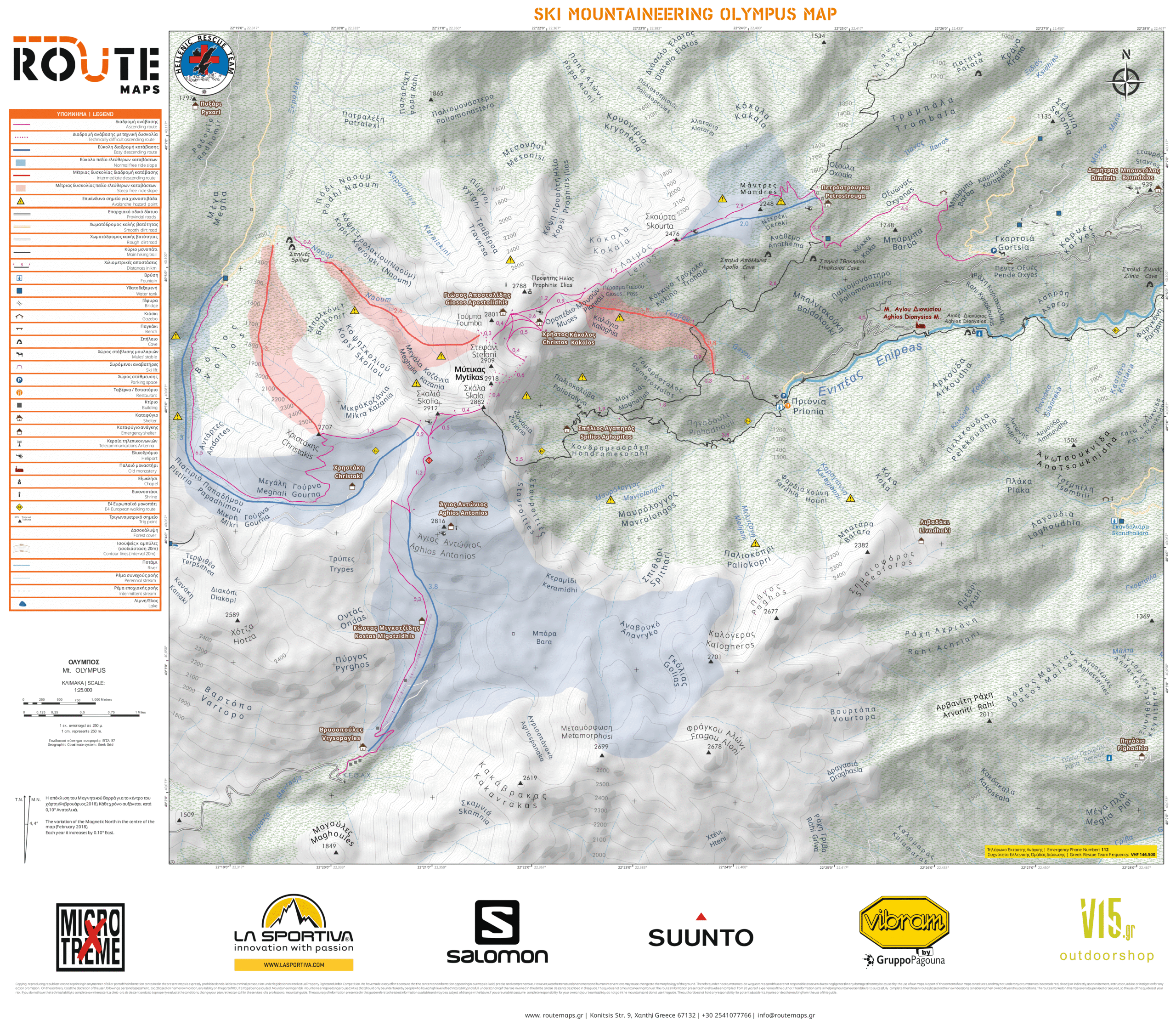


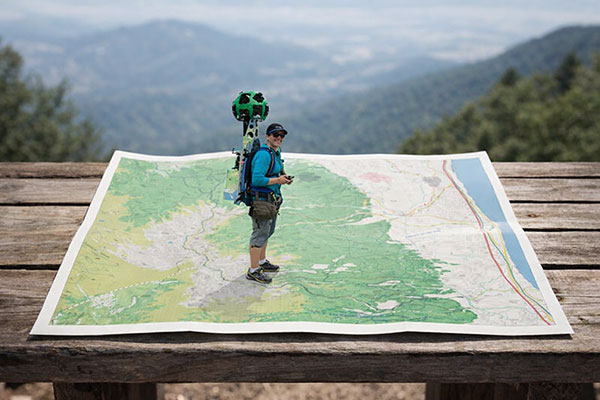
How to Download and Use the Olympus Maps
-
Download the free Avenza Maps app from your device’s app store:
– Google Play Store
– Apple App Store
(If you already have the app installed, you can skip this step.) -
Open the Avenza Maps app and tap on the shopping cart icon to access the map store.
-
In the search bar, type “ROUTE maps Olympus.”
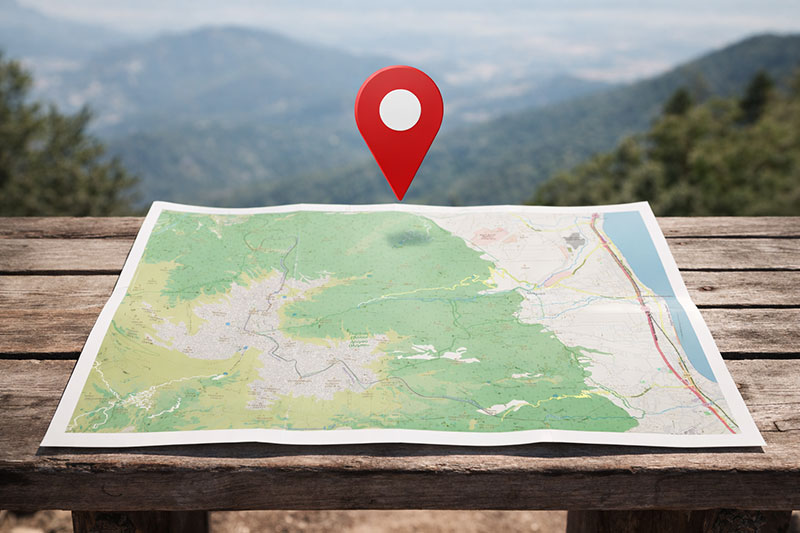
The map will appear on the world view centred over Mount Olympus. Tap on the location pin and follow the instructions to purchase and download the map to your device. -
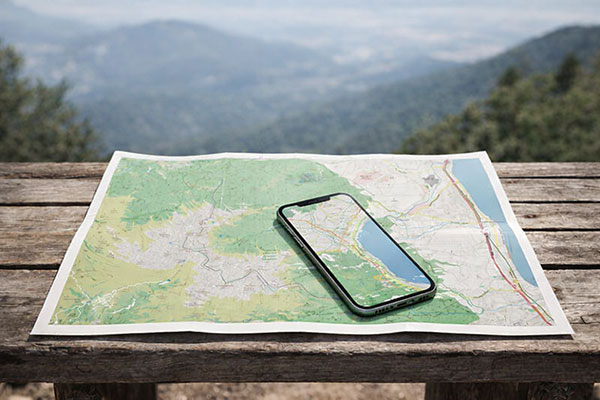
Once downloaded, activate your device’s GPS.
Your current position will appear on the map as a blue dot, allowing you to track your progress even without mobile signal.
Always ensure your map is fully downloaded before starting your trek, and carry a backup navigation method where possible.